Loops and Conditionals
Loops and conditional statements are fundamental concepts in programming that allow you to control the flow of your code and perform repetitive tasks based on certain conditions.
Loops:
Loops are used to execute a block of code repeatedly until a specified condition is met. There are various types of loops in programming, but the most common ones are for loops, while loops, and do-while loops.
For Loops-
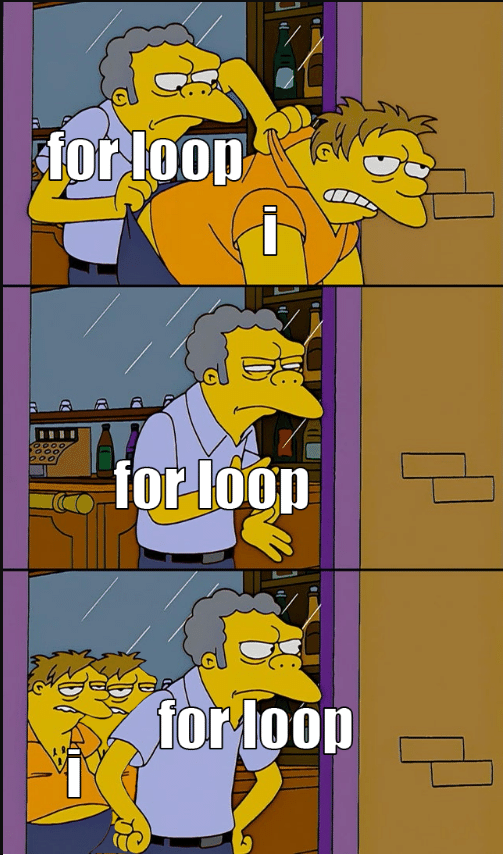
This loop uses a varible (normally i for interger) as a counter, and completes the block of code until it reaches a limit.
                       for(i = 0; i < 5; i++) {

                         console.log("Iteration " + (i + 1));


 }


                        //This code will put a log in the console stating the iteration, before increasing variable i. When i reaches 5, the loop will close.
While Loops-
The while loop repeatedly executes a block of code as long as the specified condition is true. It evaluates the condition before executing the code block, which means that if the condition is initially false, the code block will not be executed at all.
                       int i = 0;


                        while (i < 5) {

                            console.log(i);

                            i++;


 }


                        //This code will log the number i is, as long as i is below five. After the number enters the log, the loop adds one to i and repeats.
Do While Loops-
The do-while loop is similar to the while loop, but it executes the code block once before checking the condition. This ensures that the code block is executed at least once, even if the condition is false initially.
                       int i = 5;


                        do {

                           console.log(i);

                            i++;


 } while (i<5);


                        //This code will run once, logging the value of i in the console. Afterwards, becasue i will is higher than 5, it will not run again.
Conditionals:
Conditionals are statements that only work if a specific condidtion is true. There are three types: if statements, if, else statements, and if, else if statements. There are also switch statements, but we will not be covering those in this website.
If Statments-
The if statement will run only as long as the condition is true. If the condition is not true, the code will be skipped (which can cause massive issues).
                       if($username != ""){

                         console.log ('Welcome, ' + $username)


 }


                        //This code will make sure username is not blank ( != means does NOT equal) and then log "Welcome," followed by the username.


                        //NOTE: If there is no username, this code will cause an error within the webpage, possibly causing it to be unable to run.
If, Else Statements-
The if, else statement is a if statement with one major difference: it won't break everything if the condidion isn't met. Instead, the loop will simply avoid the code within the "if" section, instead running the "else" code.
                       var temperature = 58;


                        if (temperature > 70) {

                        console.log("It's a hot day!");

                        } else {

                            console.log("It's not too hot today.");

                        }


                       //This code will display "It's a hot day!" if the temp. is over 70 degrees, or display "It's not too hot today." in any other case.


                       //In our example, the latter would occour, because the temperature is 58 and 58<70.
If, Else If Statements-
This is a combination of the previous two statements. When the "if" condition is true, the corresponding code block is executed. If the "if" condition is false, the "else if" condition is checked, and so on. If none of the conditions are true, the code inside the "else" block is executed.
                       let num = 10;


                        if (num > 10) {

                          console.log("Number is greater than 10");

                        } else if (num < 10) {

                           console.log("Number is less than 10");

                        } else {

                           console.log("Number is equal to 10");

                        }

  //This code will say if a number is less than, more than, or equal to 10. In our example, the first "if" statement would be skipped, as 10 is not more than 10. The second statement would also be skipped, becasuse 10 isn't less than 10 either. This leaves only the "else" statement, which is the correct one!